Website and Online Store Administration

We Handle Administration
of Websites and Online Stores

We offer website and online store administration when you want peace of mind and certainty that everything works as it should. We update the system and plugins, monitor security, fix minor errors, and make website changes so your site is stable, fast, and ready for everyday work.

  • Peace of mind and security – we take care of updates and stable operation.

  • Quick fixes and changes – you update the website without involving a developer.

What you gain and how we do it

constant technical support and website order
  • Updates and security

    – system, plugins, and backups under constant control
  • Fast response to problems

    – we fix errors and restore operation before they affect customers
  • Ongoing changes and development

    – content, section, and store element updates without downtime
Free Quote
We reply within 24 hours.
Example of a website admin panel used in an office
01 - Specifics

What Administration
of Websites and Online Stores Involves

Administration is continuous maintenance. The goal is not to expand the website or change its strategy, but to ensure that the website or store is available, secure, and up to date. As part of administration, we work in a steady rhythm: checks, updates, backups, monitoring, and request handling.

What is typical for administration

  • WordPress updates

    – theme and plugins, or another CMS
  • Backups and the ability to restore the website

  • Availability monitoring and failure alerts

  • Response to errors

    – that affect the operation of the website or store
  • Minor content and element changes on request

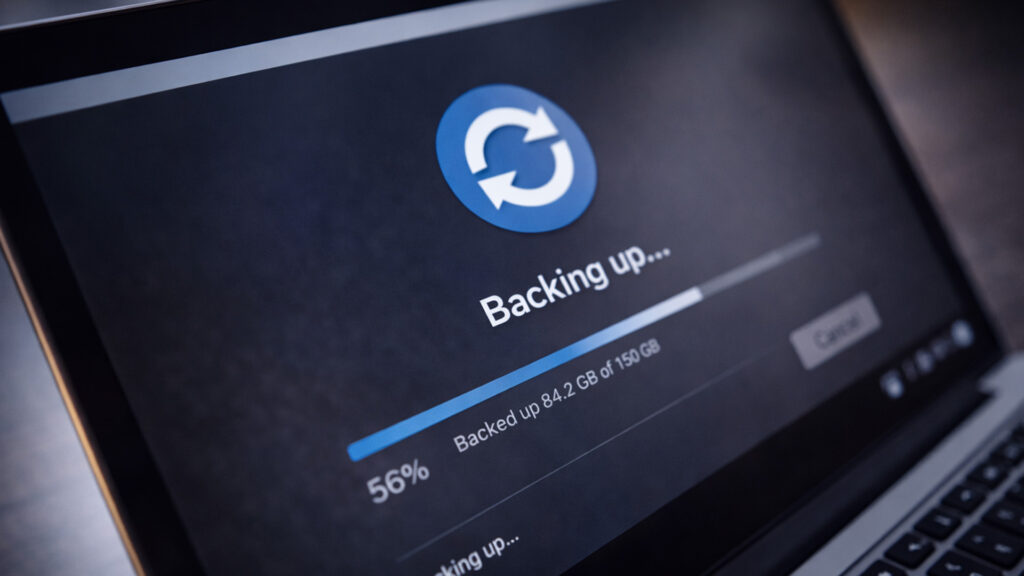
Creating a backup of a website or online store
02 - Scope of Work

What Administration Includes -
Maintenance, Security, and Support

We choose the administration scope based on the type of website. A company website usually requires a different rhythm than a store, where checkout or payment failure directly affects orders. Below are the areas most often included in maintenance.

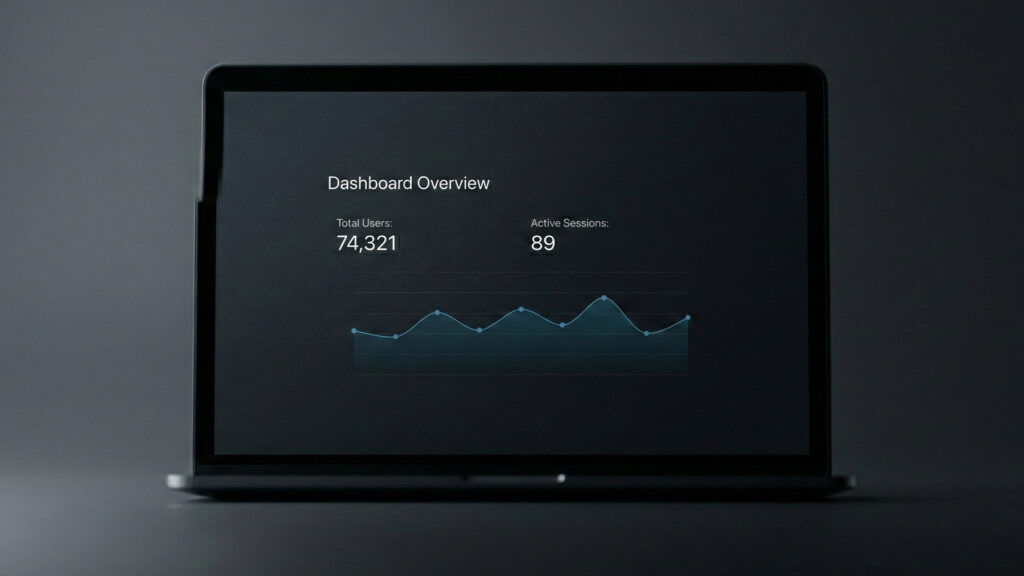
Analysis of traffic and active user sessions in an admin dashboard

Updates and technical maintenance

We make sure the website runs stably after updates and that the environment is organized. Regularity is key here because most problems begin with neglect.

CMS, theme, and plugin updates

We regularly update website components to maintain security and compatibility.

Compatibility check after updates

We check key views and functions so nothing breaks after changes are implemented.

Order in the environment

We remove unused elements and make sure the configuration is clean and predictable.

Backups and restore

We back up files and the database, define backup retention, and prepare the restore procedure. In case of failure, the goal is a quick return to operation without data loss.

Monitoring and response

We monitor availability (uptime) and set failure notifications. We also check SSL validity and domain and hosting deadlines so the website does not go offline due to oversight.

Request-based support

We handle ongoing requests: minor changes in content and sections, graphic replacements, and care for forms and contact paths so the website always works at key points.

03 - Goals

Security and Updates
as the Main Goal of Administration

In administration, security comes down to two things: regular updates and risk reduction. Most problems come from outdated plugins, weak passwords, disorder in access, and lack of backups.

How we approach updates

Controlled updates

We implement updates in an organized way and check whether key elements work after changes. The goal is security without surprises.
plugin_fill

Order in plugins and components

We remove or disable elements that are not needed, because every additional component is a potential risk and conflict point.

Form protection and spam

We protect forms from spam and abuse, because this is one of the most common problems on company websites.

Access and permissions

We organize accounts, roles, and access to the panel and hosting. In practice, fewer accounts and better passwords mean fewer problems.
04 - Backups

Backups
and Restore Procedure

Backups exist so that in case of failure the website can return to operation quickly and without stress. A backup alone is not enough - what matters is whether it can be restored and what the procedure looks like. In administration, we define the backup schedule and restore scenario. What backup looks like in administration:

  • Backup frequency

    We adapt backup to how often the website changes. A store and a company website may have a completely different rhythm.

  • Retention

    We define how long copies are stored so, in case of a problem, we can go back to a working version.

  • Restore test

    We periodically verify whether the copy can be restored. This is the element that truly determines backup effectiveness.

05 - Monitoring

Operation Monitoring and
Failure Response

Monitoring allows problems to be detected quickly instead of waiting for someone to report that the website is down. We set alerts and react according to priority. What we monitor:

  • Website availability (uptime)

    We check whether the website is available and react when downtime appears.

  • Errors and technical problems

    We verify errors that affect website operation: server issues, forms, and store elements.

  • SSL, domain, hosting

    We monitor the SSL certificate and renewal dates for services that may block the website or cause browser trust issues.

06 - Minor fixes

Content Care
and Minor Changes

Administration often involves minor changes that are worth doing quickly: content updates, replacing graphics, menu corrections, or contact detail changes. This support element keeps the website up to date without launching a separate project. Typical administration requests:

Text and data changes

Updating the offer, descriptions, company details, working hours, and contact elements.

Graphic and element replacements

Replacing photos, banners, icons, homepage sections, and subpage elements.

Forms and contact paths

Checking forms, notifications, e-mails, and making minor corrections to fields and messages.
07 - Packages

Administration Packages -
Ongoing Support or Request-Based Service

Administration can be carried out in different models. The most important thing is to determine how often changes appear and how important response time is. For a store, the priority is usually higher than for a business card website. Cooperation models:

  • Fixed monthly package

    Regular maintenance and a defined amount of support time per month. This is the most common model when the website is business-critical.

  • Periodic package

    Reviews and administrative work at agreed intervals. A solution for websites that change rarely.

  • Request-based support

    Support when it is needed. Good if you need reliable contact but do not want a fixed subscription.

08 - Priorities

Priorities for Requests
and Their Handling

Request handling must be organized. This way, failures and critical problems do not mix with content changes, and you know what stage the matter is at. We work in a simple workflow: request, priority, execution, confirmation.

Critical priority

Failures and problems that block website operation or sales in the store.

High priority

Problems affecting contact or operation of key elements, such as form, payment, or delivery.

Standard priority

Minor changes in content, graphics, and website elements.

Approval and publication

If a change requires confirmation, we run a short approval before publication.
What you receive regularly

Monthly Administration Report
what Was Done and what Requires Attention

In administration, the report shows what was actually completed: updates, backups, responses to failures, and handled requests. It is also where we flag risks worth keeping on the radar.

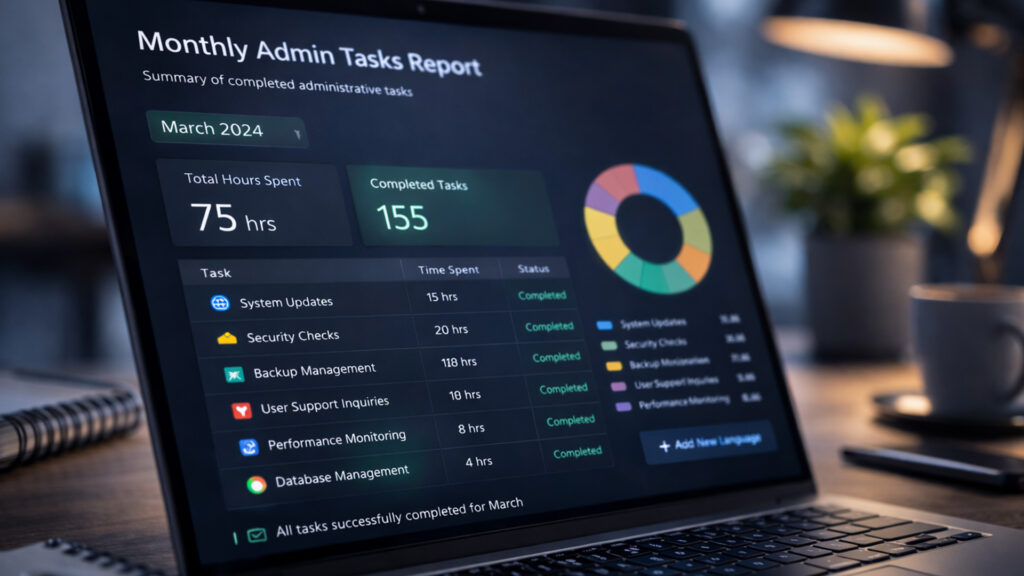
Monthly website and store administration report with completed tasks

What the report includes

  • List of actions

    Completed updates, backups, requested changes, and monitoring-related actions.

  • Incidents and responses

    If there were failures or problems, we report what happened and how it was resolved.

  • Risks and elements to monitor

    Information about things that may require attention: expiring services, overdue updates, sensitive elements.

Process summary

Website and Online Store Administration
Step by Step

Administration means keeping a website or store in good condition on an ongoing basis. Below is a summary of the key elements we handle as part of maintenance.

01

Updates

We plan CMS, theme, and plugin updates to maintain stability and compatibility of the entire website.
02

Security

We strengthen security and organize access to reduce the risk of attacks and failures.
03

Backup

We set up automatic backups and restore tests so operation can be restored quickly in case of failure.
04

Monitoring

We launch error and availability monitoring so we can react before the customer feels the problem.
05

Support

We handle requests and ongoing fixes so the website can develop without long downtime.
06

Report

We close the stage with a report on completed work and recommendations to clearly plan the next actions.
FAQ

Frequently Asked Questions
About Website and Store Administration

We answer the most frequently asked questions about website and store administration.

It depends on the cooperation model and priority. Failures and problems that block website operation have the highest priority.

We adjust backup frequency to the website. Stores and dynamic websites require a different approach than simple company websites. Usually once a week.

We do not operate only automatically. Updates are carried out in a controlled way and we check key elements after changes.

Yes. Request-based support includes minor content and element changes within the agreed cooperation model.

Yes. To run administration effectively, we need access to the CMS panel and hosting or the environment where backups and server settings are located.
Contact us

We Will Take Care of
Ongoing Website or Store Administration

If you want ongoing support for your website, we can take over administration and request handling.

We will define the cooperation model, priorities, and support scope, and you will be sure that the basics are monitored: updates, backups, monitoring, and response to problems.

  • Peace of mind

    updates and security are under control

  • Fast response

    failures and critical problems do not wait

  • Order

    requests, priorities, and change confirmations

  • Transparency

    a report on actions and elements to monitor

Write whether it is a website or store, what CMS the website runs on, and how often changes appear. We will propose an administration model tailored to your situation.

We usually reply within 24 hours on business days.

Tell us what you need

The more context you share, the faster we can come back with a specific answer.
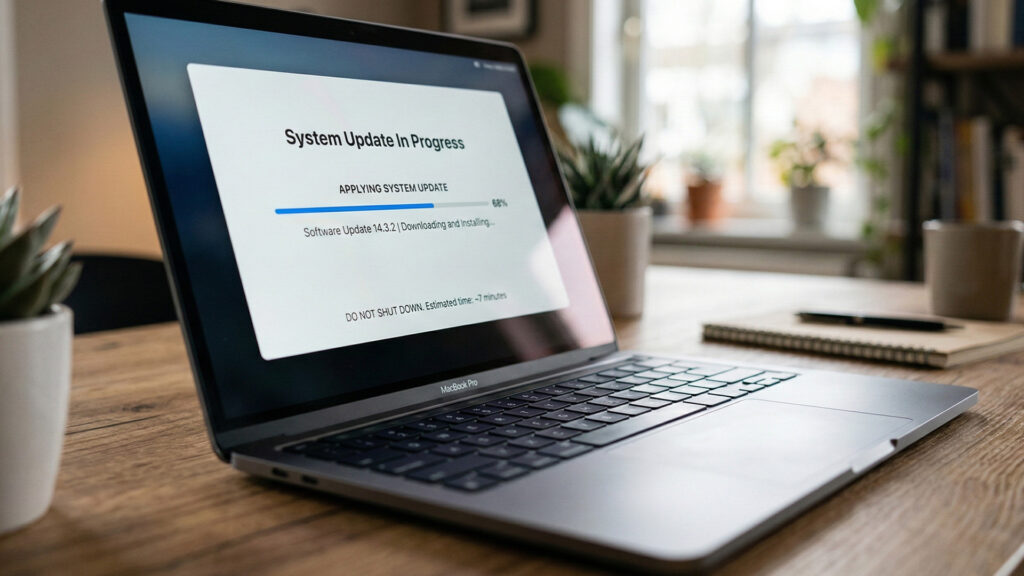
Updating a website or online store system on a laptop screen