What you gain and how we do it
- 01
Plan and security backups
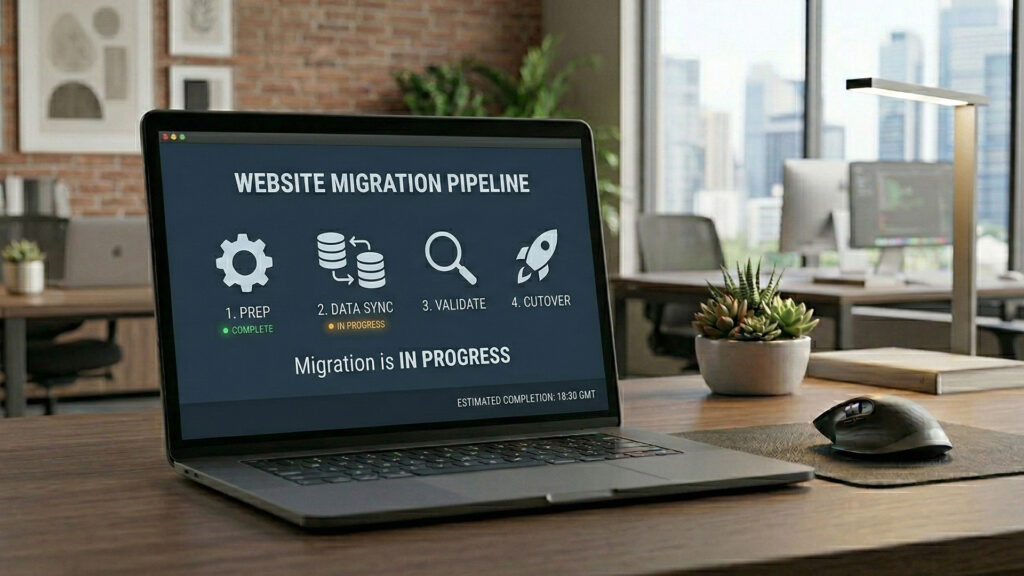
we define the scope, make a backup, and test before switching
- 02
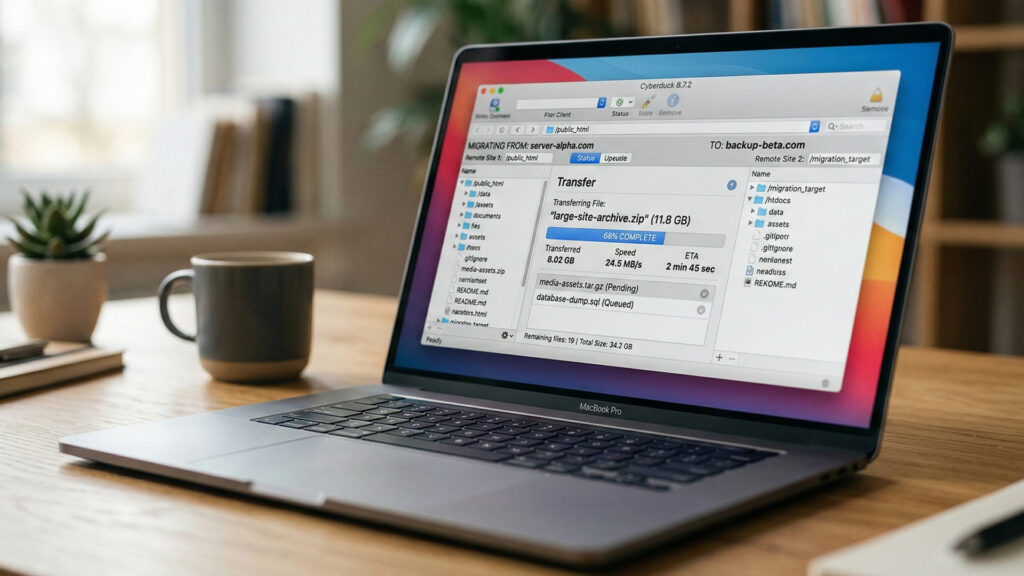
Transfer and configuration
data, files, SSL certificate, and key settings
- 03
Testing and safe switch-over
we check operation and switch in a way that avoids problems
We reply within 24 hours.
The Biggest Migration Risks
and How We Eliminate Them
Migration is safe when we know in advance what can go wrong. The biggest risks concern SEO, DNS, e-mail, SSL certificate, downtime, and data loss. That is why we work with checklists and tests. Risks we secure:
SEO and loss of visibility
DNS and downtime

E-mail and domain records
SSL and browser trust issues
Data and integrity
Migration Safe
for Website SEO
If migration affects URLs or structure, the priority is an SEO-safe approach. The goal is to preserve the value of pages that already work in Google and avoid indexing chaos after switching. What we do in SEO migration:
- 01
URL mapping
We prepare a list: what stays, what changes address, and where it should lead after the change.
- 02
301 redirects
We implement redirects so old URLs lead to the correct new equivalents without losing traffic.
- 03
Canonicals, sitemap, robots
We check canonicals, update the sitemap, and keep indexing rules in order so Google does not index unnecessary versions.
- 04
Post-migration monitoring
After deployment, we observe indexing and errors, for example in Google Search Console, and react to 404s and other problems.
Safe Store Migration -
Products, Orders, Customer Accounts
Store migration is more demanding than migrating a company website because sales data and order logic are involved. At the start, we define the transfer scope: only the catalog or also order history and customer accounts.
What may be included in store migration
Products and catalog
Categories, products, variants, attributes, photos, and descriptions - together with filter logic if needed.
Orders and statuses
Order history, statuses, and basic data for sales handling.
Customer accounts
Account data and login possibility. Depending on the platform, we define how to transfer information safely.
Integrations
Payments, deliveries, invoices, warehouse integrations - after migration, they must be tested in practice.
Test Environment -
We Check Everything before Switching
Staging is a copy of the website or store where we prepare the migration without affecting the production version. This is a key stage because it allows us to detect problems before the website is switched. What we test on staging:
- 01
Forms and contact paths
We check whether forms work and messages are delivered.
- 02
Checkout, payments, and deliveries
In stores, we place test orders and check the process from start to finish.
- 03
Integrations and critical elements
We verify integrations: payments, couriers, CRM, marketing tools.
- 04
Speed and basic stability
We check whether the new environment is not slower and whether the website runs stably.
DNS Switching Plan
and Downtime Minimization
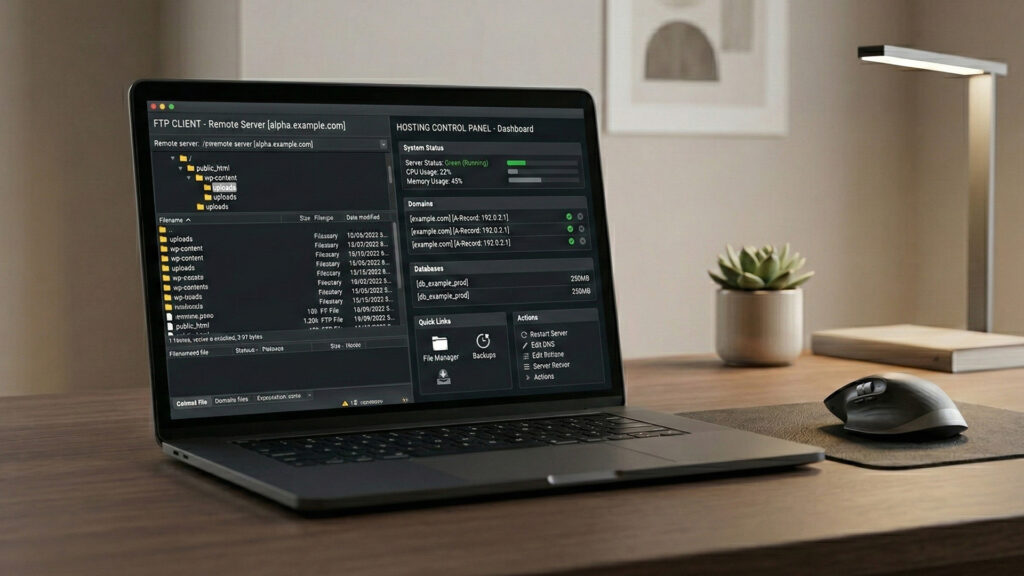
DNS switching is the moment when users start reaching the new environment. To reduce downtime, we plan the deployment window and set TTL so the propagation of changes is as fast as possible. If needed, we also prepare rollback, meaning a return plan.
Deployment window
We choose a time when traffic is lower to minimize the impact on users.
TTL and order of changes
We set TTL in advance and then perform the switch according to the agreed order.
Rollback
If a critical problem appears, we have a plan to return to the previous version.

What We Verify after Website
Migration
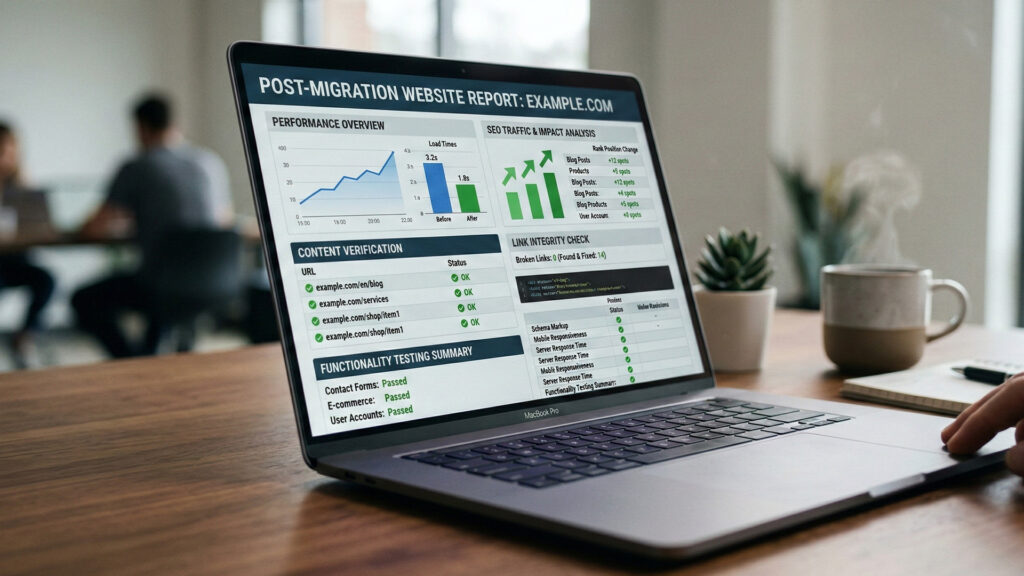
After migration, we perform verification. This stage determines whether the website will run stably in the following days. We check errors, redirects, SSL, analytics, and basic performance.
404 errors and redirects
SSL and security

Analytics and events
Crawl and indexing
Logs and server stability
Website and Online Store Migration
Step by Step
Below is a summary of the migration process. It is a useful checklist if you want to make sure the transition is done safely.
Scope
Staging
SEO Safety
Cutover
Checklist
Monitoring
Frequently Asked Questions
About Website or Store Migration
We answer the most frequently asked questions about website or online store migration.
Will there be a break in website or store operation?
We minimize downtime thanks to staging and a DNS switching plan. Usually the break is short or unnoticeable, but it depends on the migration type and DNS.
Can migration cause an SEO drop?
It can, if migration is done without URL mapping and redirects. That is why we perform SEO-safe migration and monitor the situation after deployment.
How long does migration take?
It depends on the scope. Hosting migration is usually faster than domain migration or a store migration with data. We always start by defining the plan.
What about e-mail on the domain?
If e-mail is connected to the domain, we take care of DNS records such as MX so migration does not cut off e-mails. This is part of the switching plan.
Do you make a backup before migration?
Yes. A backup before migration is essential because it provides a way back in case of problems.