
How we work on a project
- 01
We define the goal and content
so the project makes sense from the start
- 02
We design the page layout
so users can make decisions easily.
- 03
We finalize the design and implementation
we deliver a consistent, ready-to-use website.
We reply within 24 hours.

Information Architecture
in a Website Design Project
Information architecture is simply a logical content layout: which pages are needed and in what order information should be presented. This is where website design has the most practical value - because it determines whether users quickly find what they are looking for.
Sitemap and page hierarchy
We create a sitemap tailored to the offer. This is especially important for company websites, where a single website must combine: service presentation, trust, examples of completed work, and contact.
- 01
Homepage and its role
Introduction + a short offer summary that immediately says "what you do" and leads further.
- 02
Service pages
Deeper explanation: scope, who it is for, what cooperation looks like.
- 03
About company / team
Building credibility: experience, process, service standard.
- 04
Contact and contact paths
Form, phone, location, and clear CTAs in key places.
Content layout on the website
A website design should not force users to guess what you do. In practice
- 01
What you do and for whom
Clear information in the first seconds, without guessing.
- 02
What cooperation looks like
A step-by-step process so the user feels safe.
- 03
What specifically makes the offer stand out
Arguments and examples that build trust.
- 04
How to get in touch and what to include in an inquiry
Form, phone, and clear information on what to send to get a faster response.
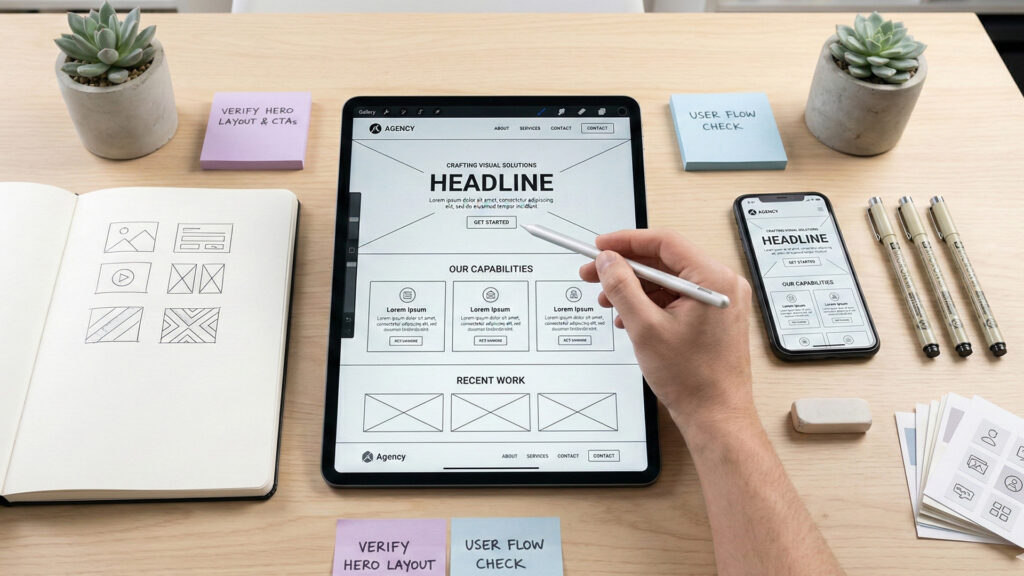
Graphic Design - UI
of the Website
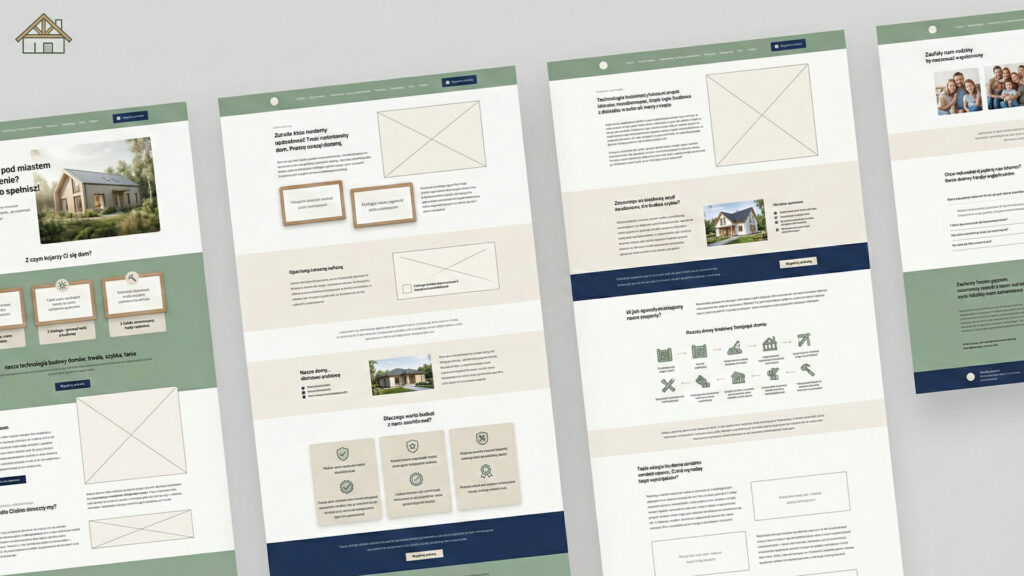
UI (User Interface) is the visual layer: colors, typography, button styles, and the way content is presented. In short: how the website looks and how its elements behave. Good website graphic design should not be decoration - it should make content easier to understand.
What website graphic design includes
Typography
heading sizes, readable paragraphs, spacing
Color scheme
contrast, consistency, CTA accents
Components
cards, sections, forms, lists, icons
Element States
hover, active menu, form errors, so users know what is happening.
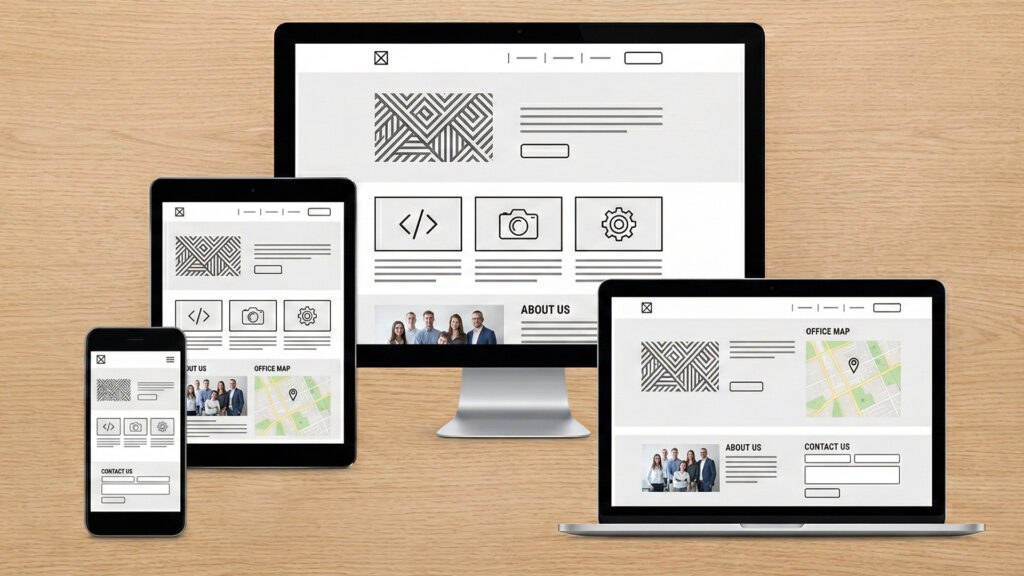
Modern and responsive website design
Action Plan for
Website Design
Website design for companies must be organized. It is not about long consultations without decisions, but about a process that produces a clear result. Most often, we work in stages, with short approvals along the way.
Defining the goal and scope
Structure and information architecture
Wireframes and mobile layout
UI design / graphic design
Prototype and implementation specification
If you care about a low price, you will find phrases online such as "cheap website design". It is worth clarifying what the price includes: whether there is structure, wireframes, a mobile version, and consistent components, or only the graphic view. This usually determines the quality and the number of corrections during implementation.
Frequently Asked Questions
About Website Design
We present several frequently asked questions about website design.
What is the difference between website design and website creation?
Design is the plan: content structure, wireframes, visual style, and component rules. Creation is the implementation: building a working website in a CMS, technical configuration, and launch.
How long does it take to prepare a website design?
Usually from 2 to 4 weeks. The timeline depends on the number of views, the pace of approvals, and whether the project includes a prototype and an extensive set of components.
Does the design include the mobile version?
Yes. Responsive design means a separate approach to the phone layout: section order, readability, and how quickly users reach key information.
What is a wireframe and is it really necessary?
A wireframe is a layout mockup without graphics. It is needed when you care about readability and quickly checking whether the website guides users toward action. This stage reduces the risk of expensive corrections during implementation.