

What you gain and how we do it
- 01
Order in messaging and layout
users understand the offer faster and reach contact more easily
- 02
A refreshed look without losing content
we keep what is valuable and replace what gets in the way
- 03
Better performance on every device
mobile adaptation and an improved website experience
We reply within 24 hours.
When Website Modernization Makes Sense,
and When It Is Better to Build from Scratch
Not every website is worth modernizing. Sometimes it is enough to improve a few elements, and sometimes it is faster and safer to create a new website and move the content while preserving SEO. That is why, at the beginning, we determine whether website modernization will bring a good result or only prolong the problem.
Modernization usually makes sense when
The website has valuable content and pages that already perform in Google
If SEO already brings traffic, modernization allows you to improve UX and technical aspects without risky loss of visibility.
The layout needs improvement, but the website structure can be organized without rebuilding everything
When the problem is chaos rather than the foundations, sections, menu, and content can be organized without rebuilding everything.
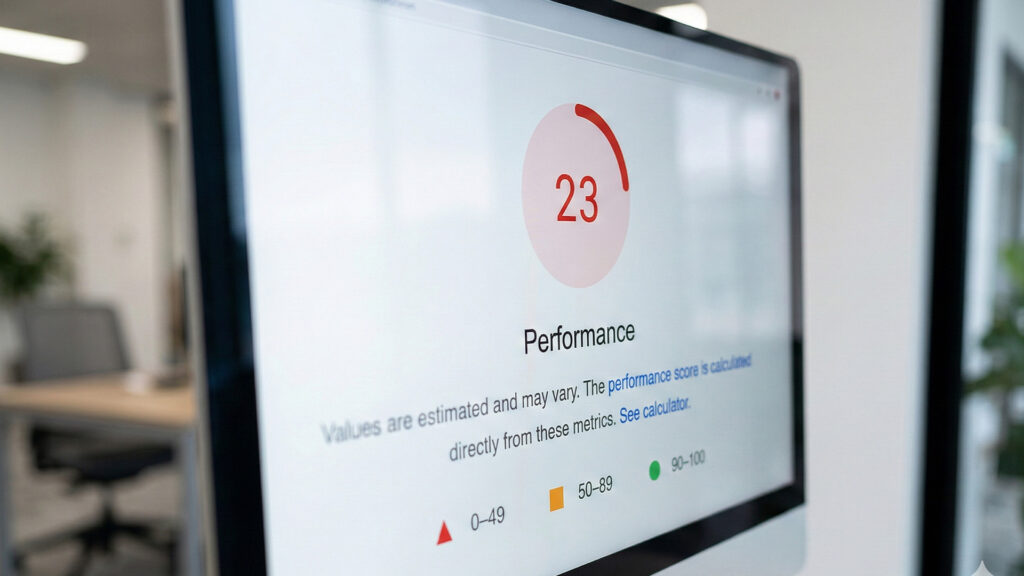
The problem is speed, mobile, section chaos, lack of consistency, or technical errors
These are usually areas that can be improved iteratively: optimization, UI order, and technical SEO without replacing the entire website.
The CMS can be managed and updated, rather than completely replaced
If the system can be maintained and developed, modernization is simply a faster path to better results.
It is better to think about building from scratch when
The website is based on outdated solutions that cannot be reasonably maintained
When the technology blocks updates and security, building from scratch may be cheaper than constant rescue work.
The page structure is random, and the content needs to be written practically from scratch
If the architecture and content need to be rebuilt anyway, it is better to do it consistently on a new foundation.
You need completely new features or new operating logic
When business requirements have changed, a new website allows you to design UX and features without the compromises of the old solution.
What We Most Often Modernize
on Websites
Website modernization usually concerns several areas at once, because problems tend to connect. A slow website often also has content chaos. A website that does not convert usually also has a weak mobile layout. That is why we look at the whole picture, but implement changes in stages. Areas of modernization:
UX and content layout - order of information, CTAs, section readability
We organize the website layout so users understand the offer faster and know what next step to take.
Appearance and consistency - typography, spacing, components, repeatability
We unify the visual elements of the website so the whole site looks professional, readable, and consistent on every subpage.
Performance - loading time, asset and image optimization
We remove bottlenecks affecting performance so the website loads faster and runs more smoothly.
SEO - heading structure, metadata, internal linking, indexing
We improve the technical and content foundations of SEO, which help the website communicate better with the search engine.
Security - updates, backups, form protection
We strengthen key security areas to reduce the risk of errors, spam, and post-implementation issues.
CMS - editing order, blocks/components, convenient expansion
We improve the website backend so content editing is easier and further development is more predictable.
The Most Common Problems of an Old Website
and How We Solve Them
An old website does not have to be bad - often it simply cannot keep up with how people browse the internet today. Below are the problems that most often lead to the decision to modernize a website, along with typical actions that solve them.
The website is slow
The user does not know what to do next

Content chaos and too many elements at once
Mobile looks like a shrunken desktop
Drops in Google visibility
Staged Modernization
without Downtime and Problems
Modernization can be done in a way that keeps the website running the whole time. Most often, we work in stages: first on what delivers a quick effect and removes the biggest risk, then on further improvements. This way, website modernization does not require turning everything upside down in one weekend.
How we divide the work into stages
As a priority
Critical things: errors, security, SEO basics, stability
In the next stage
UX improvement, content layout, main subpages, and speed
Further development
Development elements: additional sections, improvements, content expansion
Modernization without SEO Loss -
what We Secure
The biggest concern during website modernization is a drop in Google visibility. This can be avoided if we secure key elements from the beginning: URLs, redirects, content structure, and indexing. SEO is not done at the end - it must be included in the modernization plan. What we secure in practice:
URL mapping
We determine what stays, what we merge, and what we move to new subpages.
301 redirects
For changed and removed URLs, we implement 301 redirects so authority is not lost.
Headings and topic focus
We keep an eye on H1–H3 and page intent so the topic is not diluted in Google.
Metadata of key pages
We complete titles and descriptions where they generate traffic and inquiries.
Linking and CTA paths
We build internal connections to services and contact, without dead ends.
Post-Modernization Checklist
before Publishing Online
Before implementing changes, we perform a risk check. This is the moment when we verify whether website modernization introduces problems that are hard to reverse later. Such a checklist works like a quality gate. What we check before publication:
Whether 301 redirects are complete and lead to the right places
We check whether old URLs have been correctly redirected and do not lead users or Google to empty or irrelevant pages.
Whether canonicals pointing to wrong URLs have appeared
We verify whether canonical tags point to the correct versions of pages and do not disrupt indexing after changes are implemented.
Whether important subpages do not have noindex
We check whether key pages have not been accidentally excluded from indexing by incorrect meta robots settings.
Whether the sitemap and robots are correct
We check whether the sitemap and robots.txt support proper indexing and do not block important assets.
Whether there are no 4xx/5xx errors on the server side or in links
We test the website for incorrect server responses and broken links that may weaken SEO and harm user experience.
Safe Website Copy
During Modernization
Staging is a copy of the website where we introduce changes without affecting the production version. This allows for calm testing, comparing website behavior, and refining details before publication. It is one of the most important elements of safe website modernization. What we test before publication:
Forms and contact
We test submissions, validation, and all CTAs leading to contact on the website without exceptions.
Performance and RWD
We check speed, CLS, and layout on mobile and desktop across different browsers.
Links and 301s
We click through key paths, menus, and redirects so nothing leads to a dead end.
Analytics and conversions
We verify GA4, GTM, and events so conversions are correctly recorded in reports.
Views and errors
We review pages, forms, and carts, looking for 404 and JS errors after deployment.
What the Cost
of Modernization Depends On
The cost of website modernization depends on what needs to be improved and how extensive the website is. Sometimes it is a few key subpages and speed improvement, while other times a website rebuild includes changes to structure, content, and CMS elements. The most common pricing factors:
Website scale: number of pages and content types
The more pages, templates, and different sections need to be organized, the larger the scope of work required for modernization.
Scope of UX/UI changes: only fixes or a layout rebuild
The cost depends on whether we are talking about a light refresh or a fuller rebuild of the structure, views, and interface elements.
Content: adjustment, rewriting, section expansion
The pricing is also affected by whether the content only needs correction, or also expansion, organization, and better alignment with the offer.
Integrations and forms: maps, analytics, CRM, additional tools
Additional features and connections with external tools increase the scope of implementation, testing, and configuration.
Technical debt: quality of the current implementation and CMS condition
The more problems there are in the current code, plugins, or content editing, the more work is needed to safely organize everything.
Example Modernization Scenarios
Three Typical Work Variants
Not every modernization looks the same. Below are example scenarios that often repeat. They make it easier to assess whether you need a facelift or a larger rebuild.
Visual refresh and content order
Refreshing the look, typography, and spacing
We improve aesthetics and readability: fonts, heading hierarchy, spacing rhythm, and component consistency.
Organizing sections on the homepage and service pages
We arrange content in a logical order, remove repetitions, and strengthen the most important sales arguments.
Improving mobile and clear CTAs
We adapt the layout to phones and set visible CTAs so users easily know what to do next.
Structure rebuild and SEO
Changing the sitemap, merging or splitting pages
We define the content architecture so topics do not overlap and users reach the right subpage faster.
URL mapping and 301 redirects
We plan URL changes and implement redirects to preserve existing traffic and avoid 404 errors.
Order in headings, metadata, and internal linking
We organize the H1–H3 hierarchy, meta title/description, and linking between pages to strengthen topics and indexing.
Technical optimization
Speed and stability optimization
We improve performance and Core Web Vitals: cache, images, critical assets, and loading stability on mobile.
CMS update and security
We update the system, plugins, and theme, secure access, and organize the configuration to reduce the risk of failures and break-ins.
Staging, testing, post-publication monitoring
We implement changes on staging, test key paths, and launch monitoring to quickly catch problems after publication.
Website Modernization
Steps in Brief
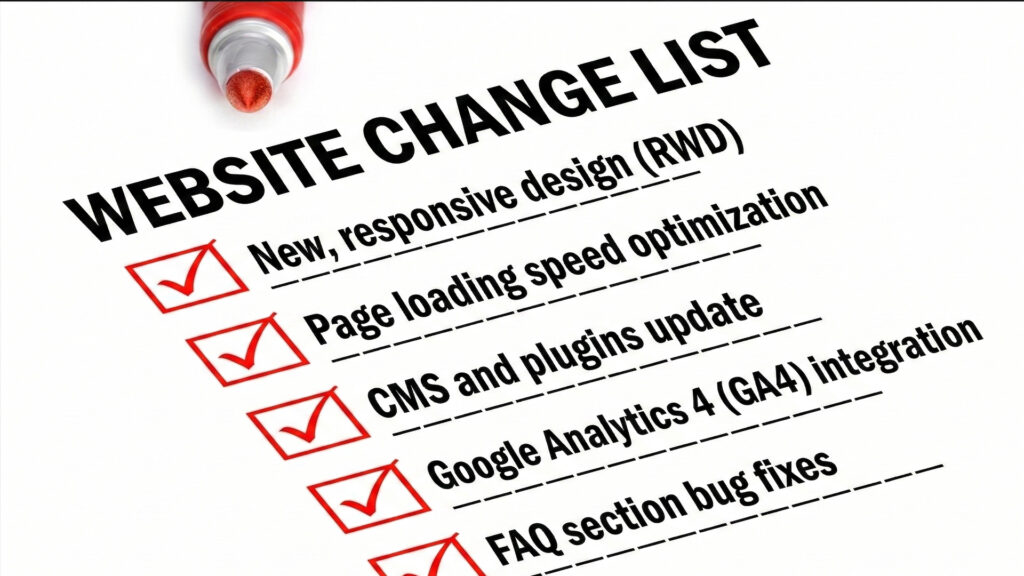
If you want to quickly assess what website modernization looks like, below is a simple summary of the stages. It is a useful checklist before talking about a website rebuild.
Diagnosis
Plan
Safe Implementation
SEO Safety
Publication
Frequently Asked Questions
About Website Modernization
We present the most frequently asked questions about website modernization.
How long does website modernization take?
It depends on the scope. A lighter website modernization may take from 1 to 3 weeks. If it includes a website rebuild, structural changes, and SEO protection, the timeline often grows to several weeks.
Can website modernization reduce visibility in Google?
It can, if changes are made without a plan. That is why we secure SEO: we map URLs, create 301 redirects, maintain heading structure, and check indexing after publication.
Can a website be modernized without turning it off during the work?
Yes. We work on staging, which is a copy of the website. We publish changes only after testing, while the website itself works normally during modernization.
What usually gives the fastest effect after modernization?
Usually speed improvement, order in the content layout on the homepage and service pages, and refinement of the mobile version. These are the elements that change the perception of the website the fastest and improve the path to contact.
When does modernization not make sense?
When the website is based on outdated solutions, has significant technical debt, or requires rebuilding practically all content and structure. In that case, it is better to prepare a new website and move the content while preserving SEO.